

STD Settings
One settings window on Num 0: graphics, interface, sound, server and mods
- Version
- 1.0
- DayZ
- 1.30
- Install
- Client + server
Running on our test server. Released once they pass in-game testing.
Overview
One window instead of digging through the vanilla menus. Graphics with one-click presets, interface with the field of view in degrees, sound, and the list of installed mods. The mod writes exactly where the vanilla settings do, so values always match the game menu.
Admins get a server tab: time of day, time acceleration, overcast, rain, fog and wind, applied immediately. Other mods can add their own tab through an API.
Work in progress, not tested in game.
Features
- Window on Num 0 (rebindable)
- Graphics: 'Max FPS', 'Balanced' and 'Best looking' presets plus reset to game defaults
- Interface: FOV in degrees, HUD, quickbar, crosshair, list of mod key bindings
- Sound: master, effects, music, voice chat
- Server: time and weather, Morning, Day, Evening, Night, Clear and Storm buttons; permissions by Steam64 ID
- No separate client file: values are the same as in the vanilla menu
- API for other mods: their own sections and switches
Requirements
- DayZ 1.30
- No third-party dependencies
- Installed on the server and for players
Installation
- 1Put
@STD_Settingson the server and give it to players, key into the server'skeysfolder - 2Launch line:
-mod=@STD_Settings - 3Server tab permissions live in
profiles/STD_Settings/Settings.json
Changelog
v1.0current
First version in development.
More mods
All mods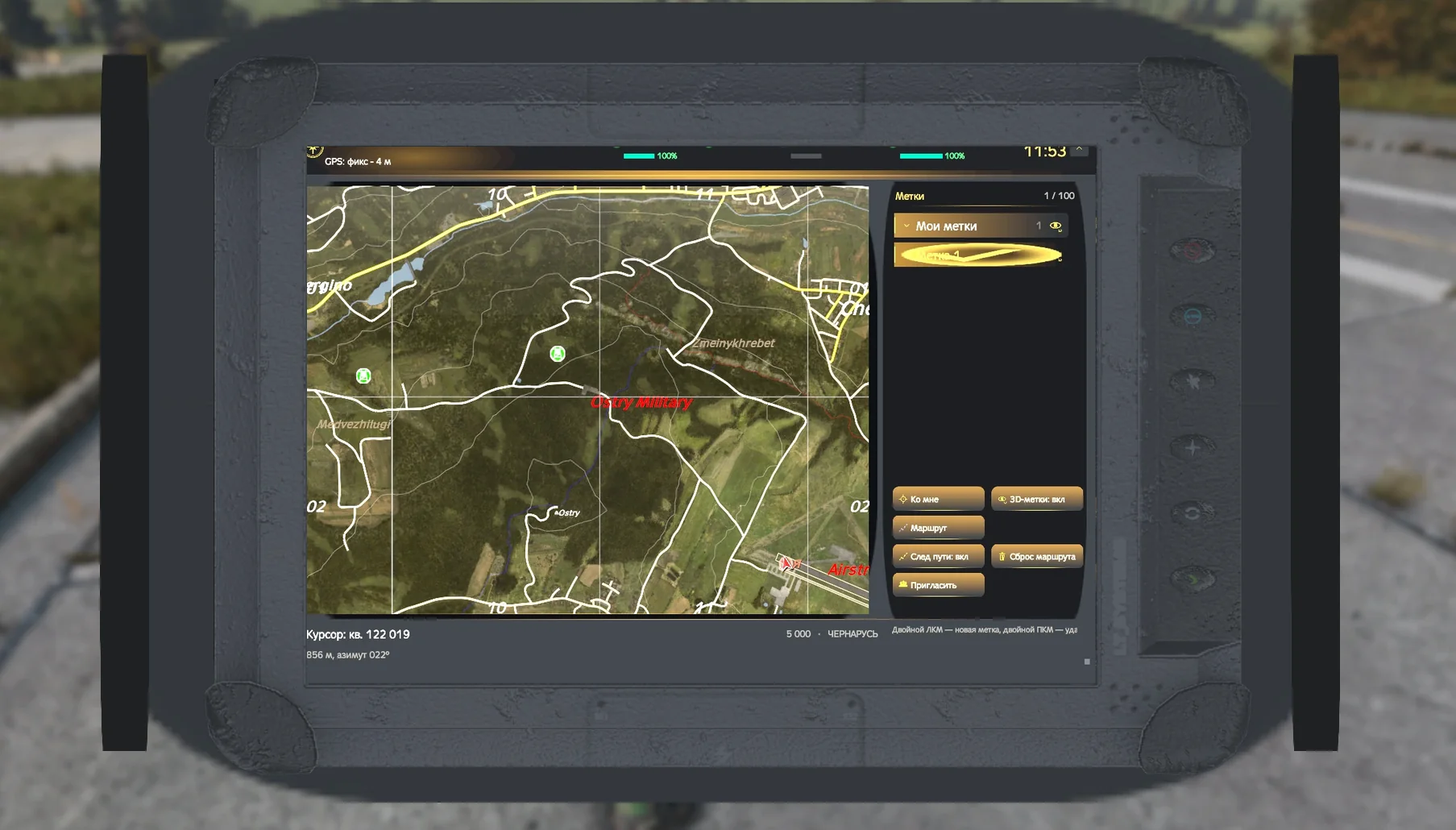 Coming soon
STD Map & Tablet
A custom map with GPS, markers and squads, plus a tablet with routes
 Coming soon
STD Guide
In-game server guide on Num 3, pages edited without rebuilding
Coming soon
STD Radial
Quick-access radial menu: weapons, meds and food in one gesture
Coming soon
STD Item Tooltip
Item stats right in the inventory tooltip